

Lyrics to song AI: turn your lyrics into a song with vocals

Paste your lyrics and get two full songs with real vocals back in one to two minutes.

The basics

What is a lyrics to song generator?

A lyrics to song generator turns words you have already written into a finished, sung song. You paste the lyrics, describe the style, and it returns a full track with vocals and an arrangement, so you can hear the words as music without a band or recording session.

YueMusic does this in your browser with Suno V6 on our side. Two versions come back from each generation in about one to two minutes.

Real output

Same lyrics, two takes each

Each pair below came from a single generation on YueMusic (Suno V6): the same pasted lyrics and the same style line, two takes. Each card shows the style line we typed and the opening lines of the lyrics. The two pairs use different styles.

  • Style: indie pop, warm female vocal, soft plate reverb, midtempo · 2:47
    Generated on YueMusic

  • Style: indie pop, warm female vocal, soft plate reverb, midtempo · 2:24
    Generated on YueMusic

  • Style: 80s synthwave, dreamy vocals, driving bass, gated drums · 3:24
    Generated on YueMusic

  • Style: 80s synthwave, dreamy vocals, driving bass, gated drums · 2:52
    Generated on YueMusic

Lyrics are original and were pasted in as written; only the opening lines are shown here. Each take has its own melody, arrangement and length, so the two takes in a pair run to different times.

What you get

Everything between your lyrics and a finished song

The same tool you just used, in five parts.

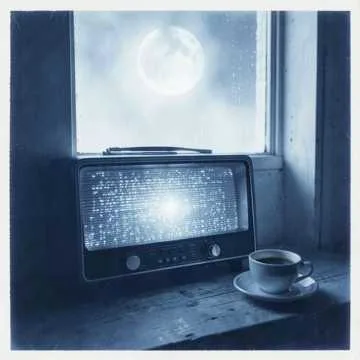
  • Cover art of Take 1 and Take 2 of Radio Low, two songs from one generation (Take 1)
    Take 12:47
    Cover art of Take 1 and Take 2 of Radio Low, two songs from one generation (Take 2)
    Take 22:24

    Two versions every generation

    Every generation returns two complete songs from the same lyrics and style line, each with its own melody, arrangement and length. In the examples above, the two takes of "Radio Low" run 2:47 and 2:24. You pay 10 credits for the pair, not per song, and credits are taken only after the songs are delivered.

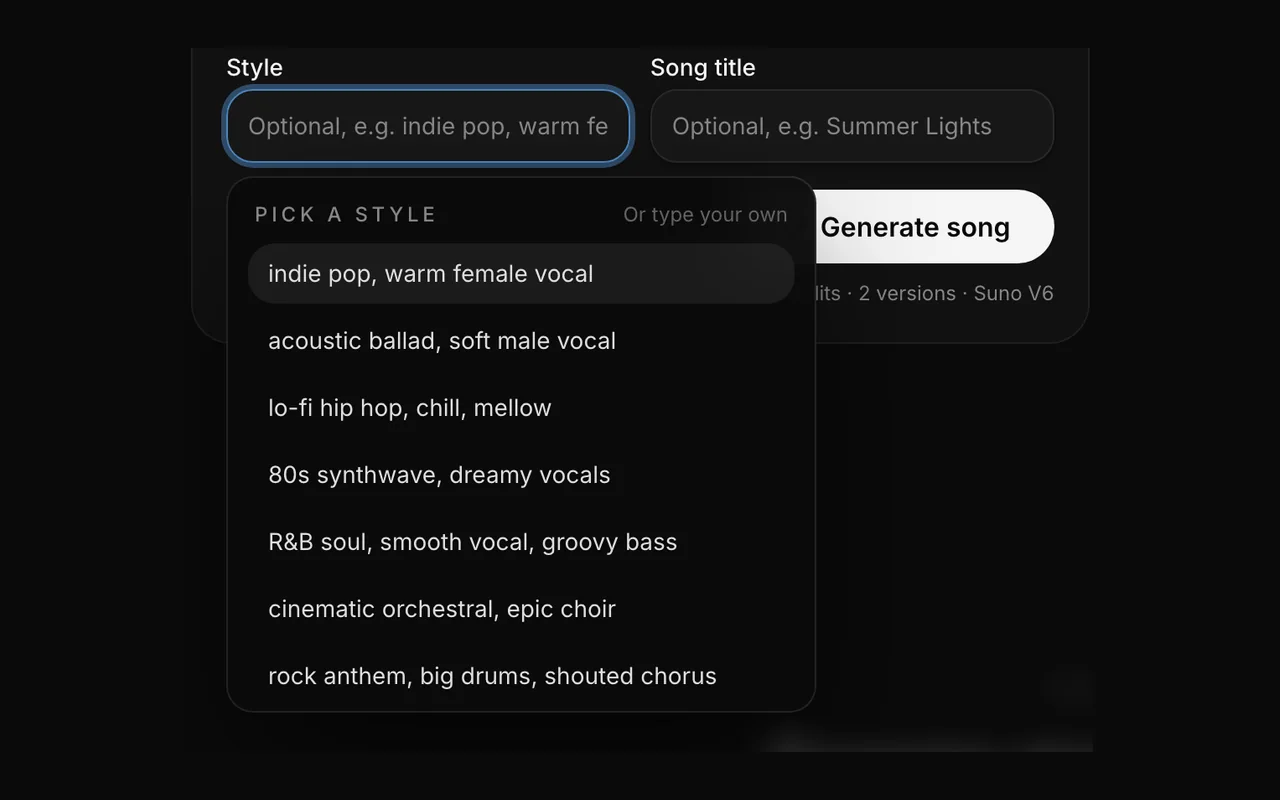
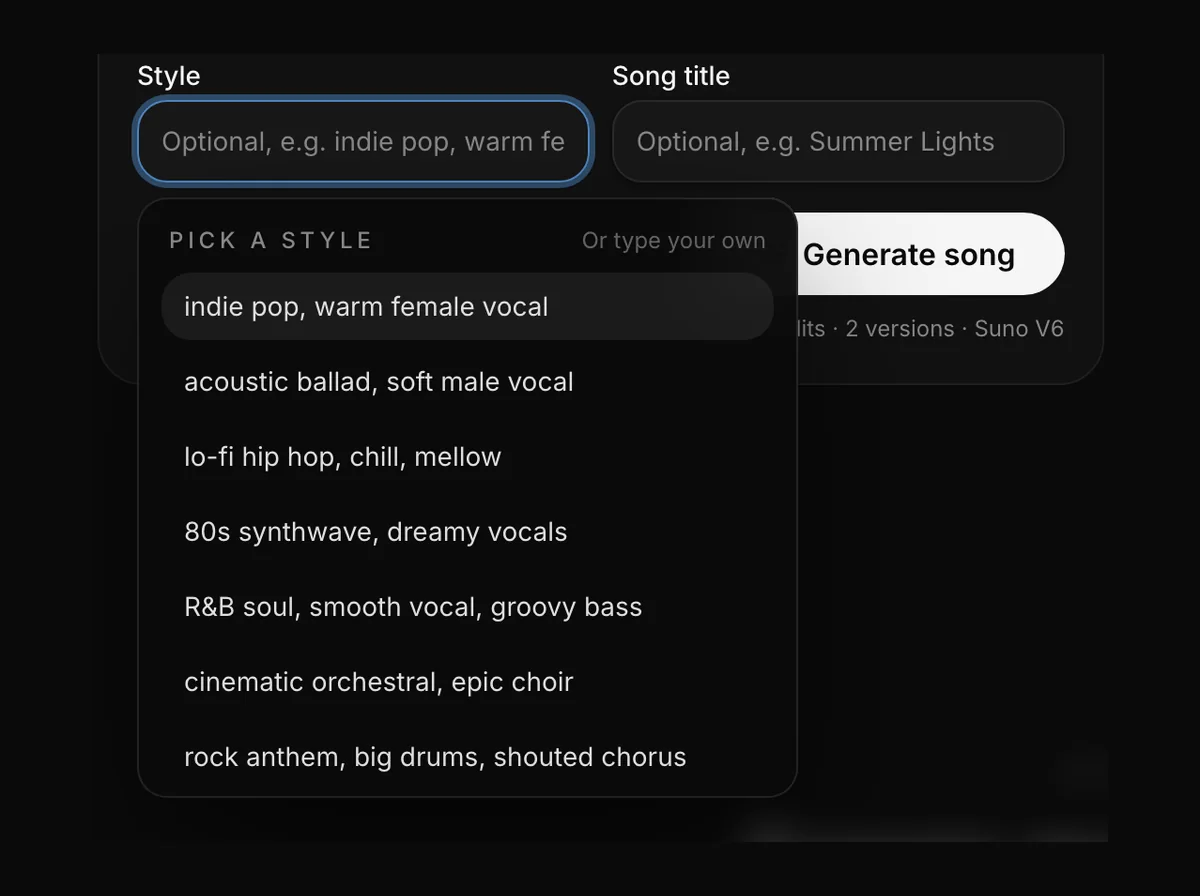
  • The style box open in the workbench with presets such as indie pop, lo-fi hip hop and 80s synthwave

    Style in your own words

    Write genre, mood, tempo, instruments and vocal feel in up to 200 characters, the way you would brief a session musician, for example "indie pop, warm female vocal, soft plate reverb, midtempo". Twelve presets fill the box with a line you can edit. The same lyrics become very different songs under "acoustic ballad, soft piano" and "punk rock, fast, shouted chorus", so change the style line before you rewrite the lyrics.

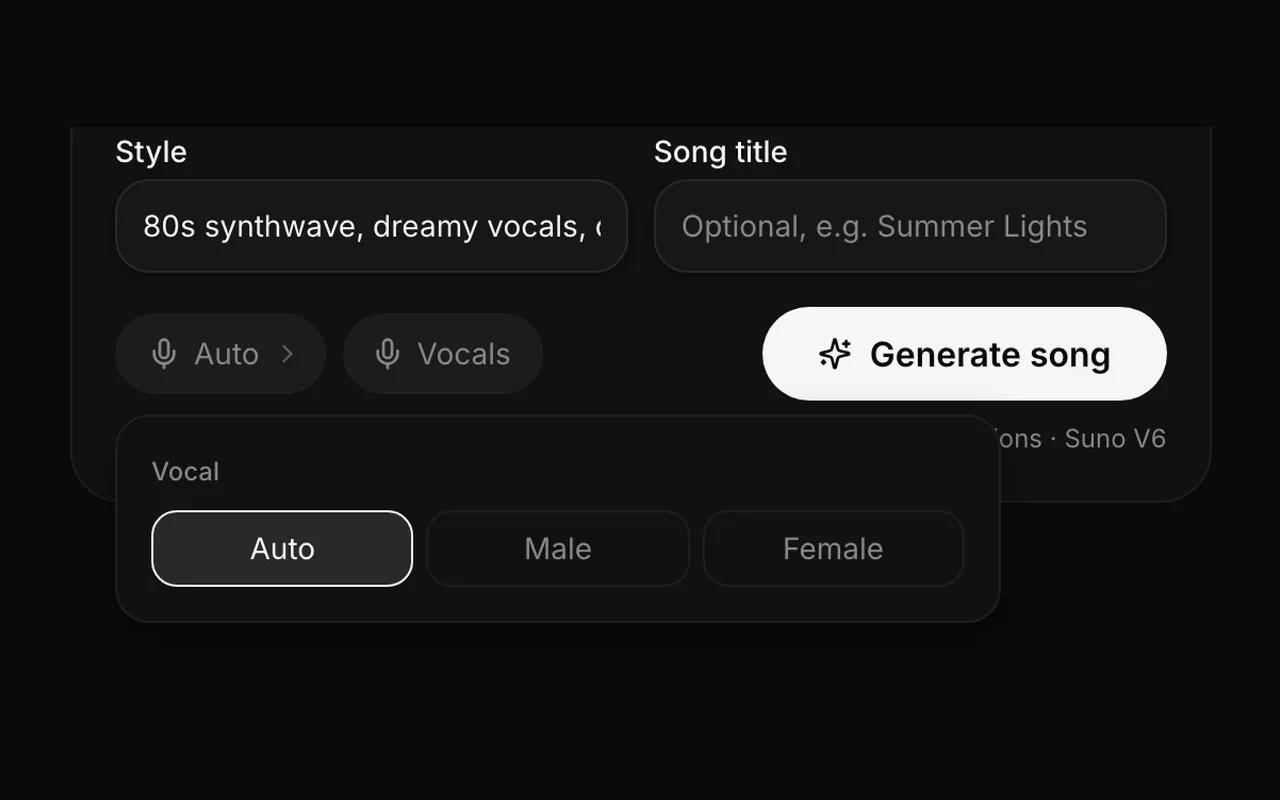
  • The song settings panel with the vocal options Auto, Male and Female next to the Vocals switch

    Vocals or instrumental

    Pick Auto, Male or Female as a vocal hint, or describe the voice in the style line. YueMusic does not clone real singers or imitate a named artist, so describe the kind of voice you want rather than a person. Turn on Instrumental if you want a backing track instead; lyrics become optional and nothing is sung.

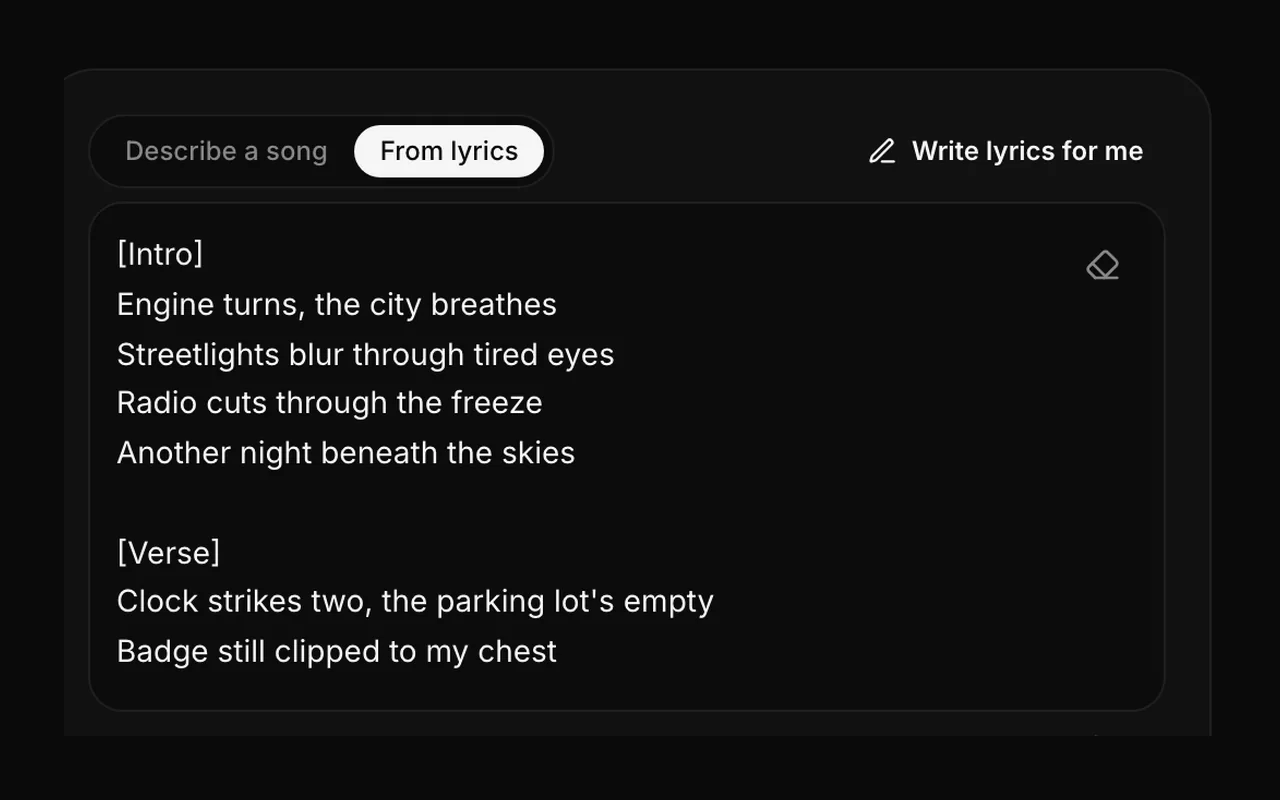
  • Lyrics written from a one-line idea, with Intro and Verse tags, in the From lyrics box next to the Write lyrics for me button

    No lyrics yet? Write them from one line

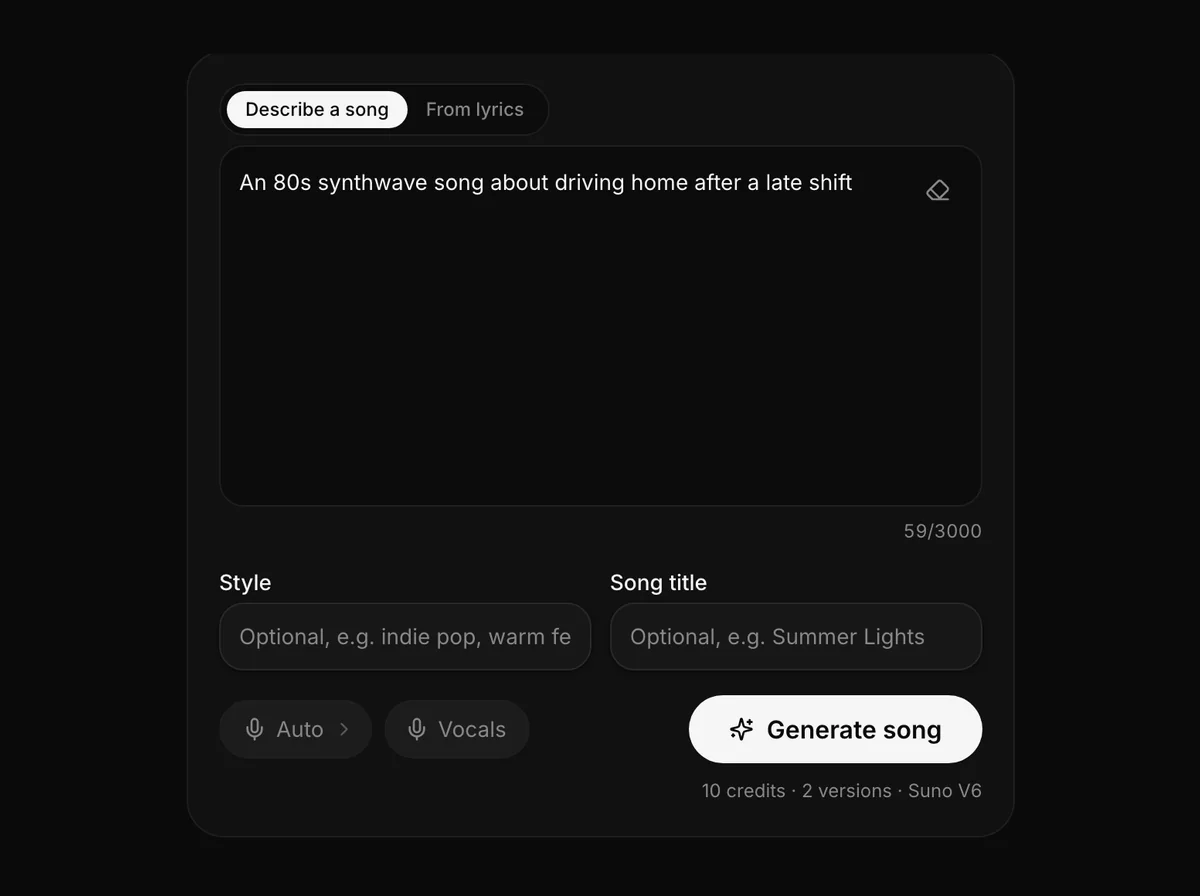
    Switch to the Describe a song tab, write what the song is about in up to 300 characters, and the lyric helper drafts verses and a chorus with section tags into the lyrics box. You can rewrite any line before you generate. Drafting lyrics does not use credits; only the generation that turns lyrics into songs does.

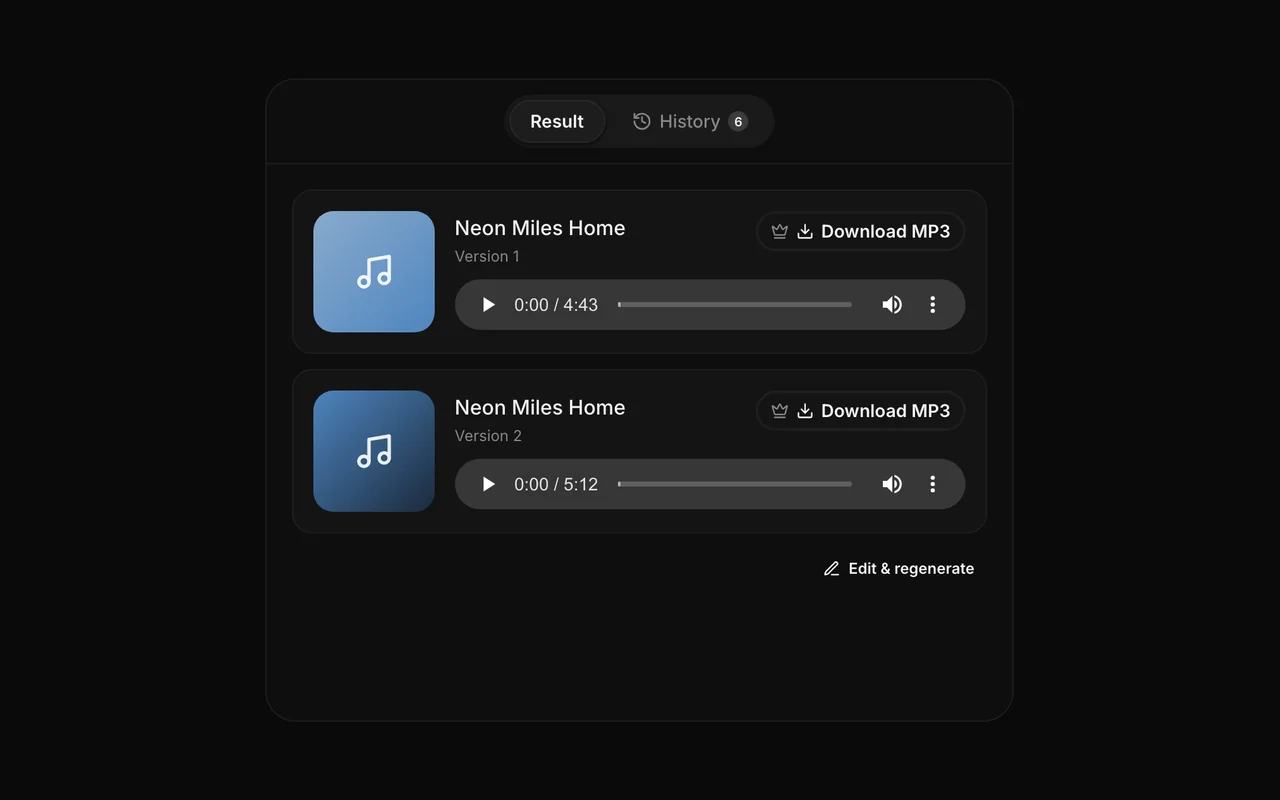
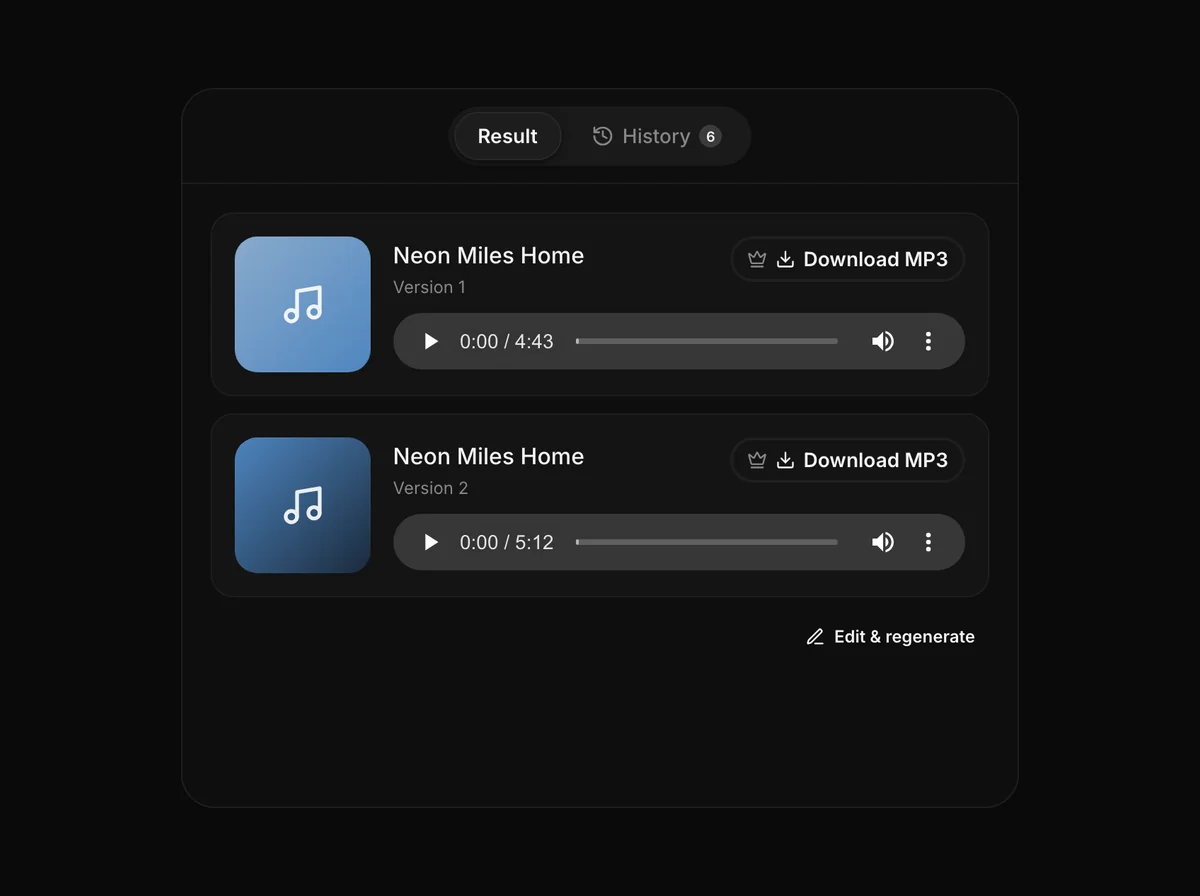
  • Two generated songs with browser players and Download MP3 buttons marked with a crown

    Listen online, download MP3

    Every song plays in your browser from your song history, and listening is free after you sign up. With a subscription or a credit pack you can download either take as an MP3. Songs stay in your history, so you can come back and download later.

How it works

How do I turn my lyrics into a song?

Three steps in the box at the top of this page, from lyrics you already wrote to a finished song.

The YueMusic workbench input box with its Describe a song and From lyrics tabs, above the Style and Song title fields

Writing for the singer

What should my lyrics look like?

Plain lines of text work. To shape the song, put a tag on its own line before each section: [Verse], [Chorus] and [Bridge] tell the song where it should lift, repeat and change.

You can paste up to 3,000 characters. Lyrics can be in English, Chinese, Spanish, Japanese and more, and the vocal is sung in the language you write. The website itself is in English, so describe the style in English for the most predictable results.

Your lyrics are sung as written, so check spelling and line breaks before you generate. If a name is unusual, spell it the way it sounds, and expect to listen to both takes: we can't promise every name or word is pronounced the way you intend.

A notebook of handwritten lyrics next to headphones

Songwriters: hear a lyric before you commit

You have a verse and a chorus on paper but no band, and a demo session costs money and weeks. Paste the lyrics, name the style and listen to two sung versions in a minute or two. Use them to find out whether the chorus lifts, which section drags and what style the words want, then take the best take to a collaborator as a reference.
A podcast microphone in a dim home studio

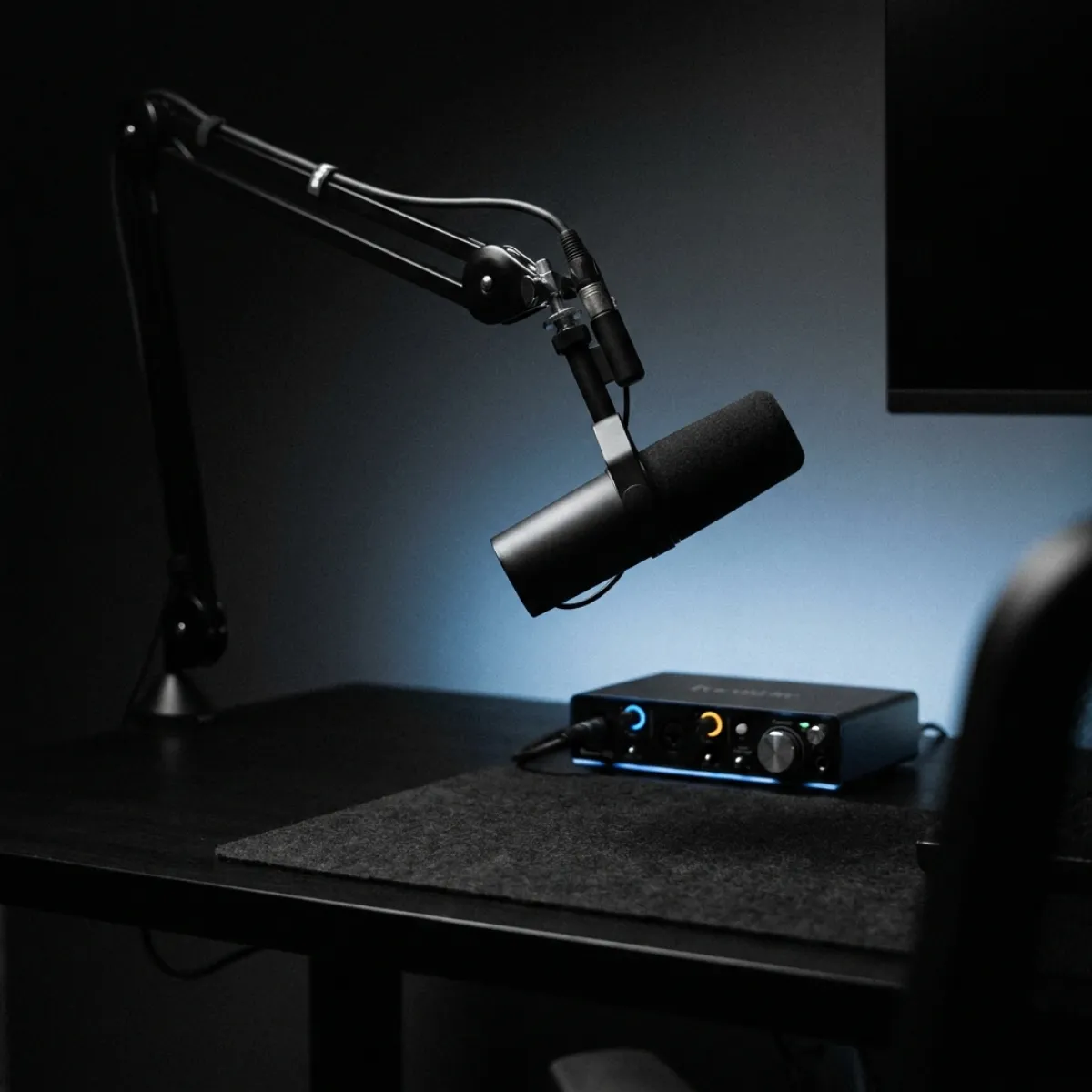
Podcasters: a short lyric for your show

Write a few lines that name your show, pick the mood and get two sung versions to choose from. Or turn on Instrumental for a music-only bed under your intro. Listening is free after you sign up, so you can try a few style lines before you decide to download anything.

Who it is for

Made for people who already have words

Four kinds of writers use a lyrics-to-song tool like this most. Here is what each one gets out of it.

A creator filming a short vertical video with a song playing

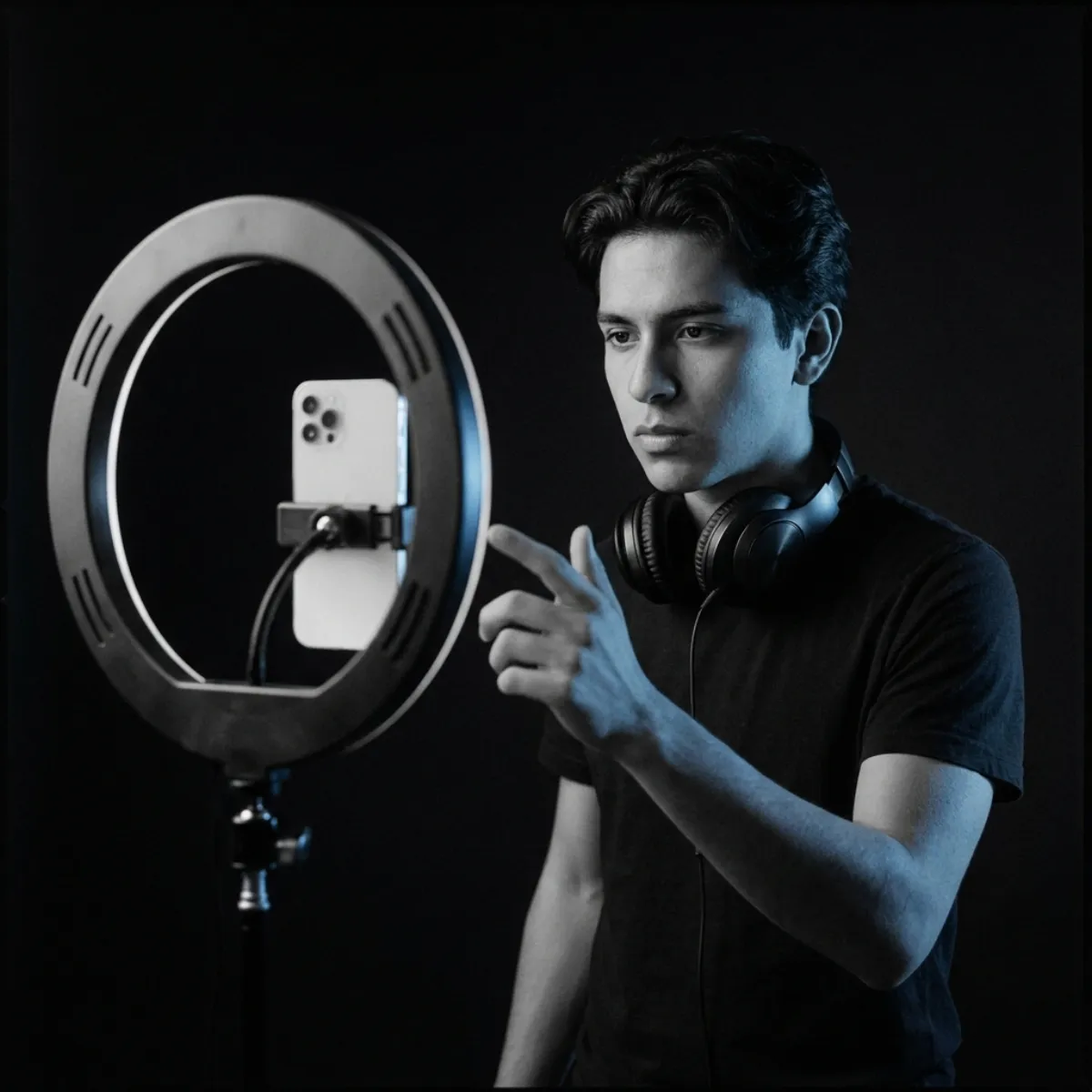
Video creators: a song that fits your words

You wrote a few lines for a video, a story or a channel intro and need them sung rather than read. Paste them, pick a style that suits the picture and compare two takes. Trim the one you like in your editor, and check the FAQ on usage before you publish it anywhere paid.

A keyboard and a small speaker on a teacher's desk in front of a blackboard

Teachers: set a lesson to music

A rhyme about fractions or the water cycle sticks better when it is sung. Paste your own verses, choose a gentle style and listen to two versions before you play one to the class. Check the sung words against your text first, because we can't promise every word is pronounced as written.

FAQ

Lyrics to song questions

Quick answers about turning your own lyrics into a song.

Paste your lyrics into the box at the top of this page, describe the style in up to 200 characters and press Generate. YueMusic sings your words as two complete songs with vocals and a full arrangement in about one to two minutes.

About one to two minutes for both songs. The page shows progress while it works.

One generation costs 10 credits and returns two songs; credits are taken only after the songs are delivered. New accounts get 10 credits, enough for one generation, and listening in your browser is free. Plans and credit packs are on the pricing page.

Yes, as an MP3, with a subscription or a credit pack. Downloading is the paid step; listening online is not.

We don't promise that. Commercial-use terms for generated songs have not been confirmed, so we don't offer them. If you need to know before you use a song, write to support@yuemusic.ai.

Yes. You can paste lyrics in English, Chinese, Spanish, Japanese and more, and the vocal is sung in the language you write. The website itself is English only.

No. YueMusic takes lyrics and a style description only. It does not accept uploaded audio, clone real singers or recreate copyrighted songs.

Suno V6, reached through a third-party API provider. YuE2 is a separate open-source lyrics-to-song model from M-A-P; YueMusic does not run it and is not affiliated with that project.

Switch to the Describe a song tab and write what the song is about in one line of up to 300 characters. The lyric helper drafts verses and a chorus into the lyrics box, and you can rewrite any line before you generate. Drafting lyrics does not use credits.

Any style you can describe in up to 200 characters. Twelve presets give you a start: indie pop, acoustic ballad, lo-fi hip hop, 80s synthwave, R&B soul, cinematic orchestral, rock anthem, EDM, country, smooth jazz, K-pop and indie folk. Edit the line or write your own.

Your words, sung

Got lyrics? Hear them sung

Paste your lyrics, pick a style and get two finished takes with vocals. Questions, licensing or feedback? Write to us.